How to Detect and Prevent AI Hallucinations for Reliable AI Outputs
· 17 min read

Introduction
Have you ever asked an AI helper a question and gotten an answer that sounded confident but was completely wrong? You are not alone. This problem, known as an AI hallucination, is one of the biggest barriers to trusting generative AI tools.

Here is the truth. Even the most advanced AI models can produce false information that looks real. A 2026 study found that certain AI models showed hallucination rates as high as 97% in specific tasks like clinical guideline analysis. Another study from Harvard noted that hallucinations happen when tools like ChatGPT or Gemini generate outputs that seem plausible but contain errors.
This is a big deal. When you use an AI response for your work, business, or research, a single mistake can damage your reputation or cost you real money. For example, a Stanford study found that general purpose chatbots hallucinated between 58% and 82% of the time on legal queries. That is scary if you rely on AI for important decisions.
At the same time, generative AI is reshaping how we create content, analyze data, and communicate. Tools like lucid ai and copy ai can save hours of work. But without a clear plan to check those outputs, you are taking a risk.
That is exactly why we created this guide. We want to give you practical, evidence-based strategies that actually improve AI response accuracy and help you avoid costly mistakes. No fluff. Just real steps you can use today.
If you want to go deeper on this topic right away, you can learn how to spot the problem before it hurts your work. So let us get started.
What Are AI Hallucinations?
An AI hallucination happens when a generative AI tool produces an output that sounds correct but is actually wrong. Think of it like a dream. The words look real. The sentences flow well. But the facts inside are made up. According to Harvard’s Misinformation Review, AI hallucinations are "inaccurate outputs that appear plausible but contain errors." MIT Sloan describes them as "fabricated information that appears authentic."
Hallucinations come in three main forms.
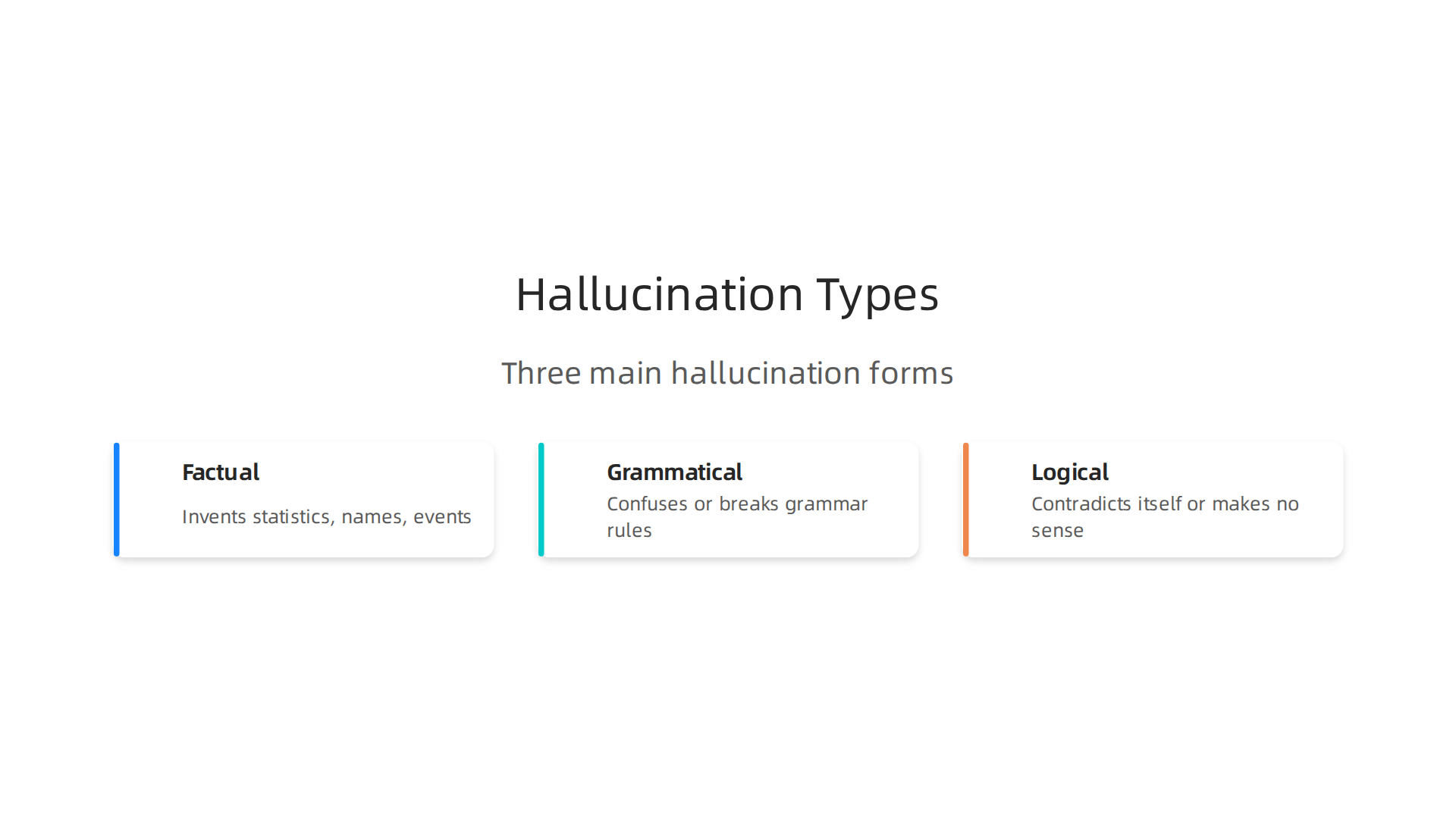
| Type | What It Looks Like |
|---|---|
| Factual | The AI invents statistics, names, or events that do not exist |
| Grammatical | The text is confusing or breaks language rules |
| Logical | The AI contradicts itself or says things that do not make sense |
These errors are surprisingly common. In 2026, a study in PMC analyzed over 12,000 AI outputs and found some models had hallucination rates up to 97% for clinical guideline tasks. Stanford research showed that general chatbots hallucinated on 58% to 82% of legal questions. That means most answers in those cases were not trustworthy.
And the problem is growing fast. A Columbia University study found that false citations blamed on AI hallucinations increased sixfold in academic papers.
So when you rely on an AI response for important work, you need to know what you are dealing with. Hallucinations are not rare bugs. They are a core weakness of today’s generative models.
Want to understand why these errors happen? We explain the root causes in our guide on what causes AI hallucinations and how Anthropic AI fights them.
Types of AI Hallucinations: From Factual Errors to Fluency Failures
So you ask an AI helper a question. It gives you an answer that sounds great. You copy it into your report. Then you realize the date is wrong. Or the author name is made up. Or the whole paragraph contradicts itself.

That is the reality of an ai response. The errors are not random. They fall into three clear categories.
Factual Hallucinations: The AI just makes things up
This is the most dangerous type. The AI creates facts that look real but are not. It might invent a statistic, a historical event, or a person who never existed. In 2026, a study in PMC found that some models had hallucination rates up to 97% for clinical guideline tasks. That means almost every ai response was unreliable.
A Columbia University study showed that false citations blamed on AI hallucinations increased sixfold in academic papers. Researchers are publishing made-up references. Understand why this happens in our guide on what causes AI hallucinations and how Anthropic AI fights them.
Fluency Hallucinations: Sounds perfect, says nothing
Sometimes the AI writes sentences that are grammatically flawless but completely empty. The words flow. The tone is confident. But when you read closely, you realize the text has no real meaning. It is like listening to someone who talks a lot but says nothing.
The copy ai models are especially good at this. They produce paragraphs that pass a quick scan but fall apart under scrutiny.

Logical Hallucinations: The AI contradicts itself
This type breaks the chain of reasoning. The AI starts with a correct statement. Then it says something that directly conflicts with it. Or it draws a conclusion that has nothing to do with the premises.
For example, a Stanford study found that general chatbots hallucinated on 58% to 82% of legal questions. The ai response would start correctly, then contradict itself about case law. These errors are hard to catch when you are not an expert.
Your best defense? Learn to spot these patterns. Our guide on building an AI fact checker workflow can help you verify outputs systematically.
Why Do AI Models Hallucinate? Root Causes Explained
Now that you know the types of AI hallucinations, you probably want to know why they happen in the first place. The answer is simpler than you might think. AI models do not think like people do. They predict words based on patterns. And that leads to three root causes.
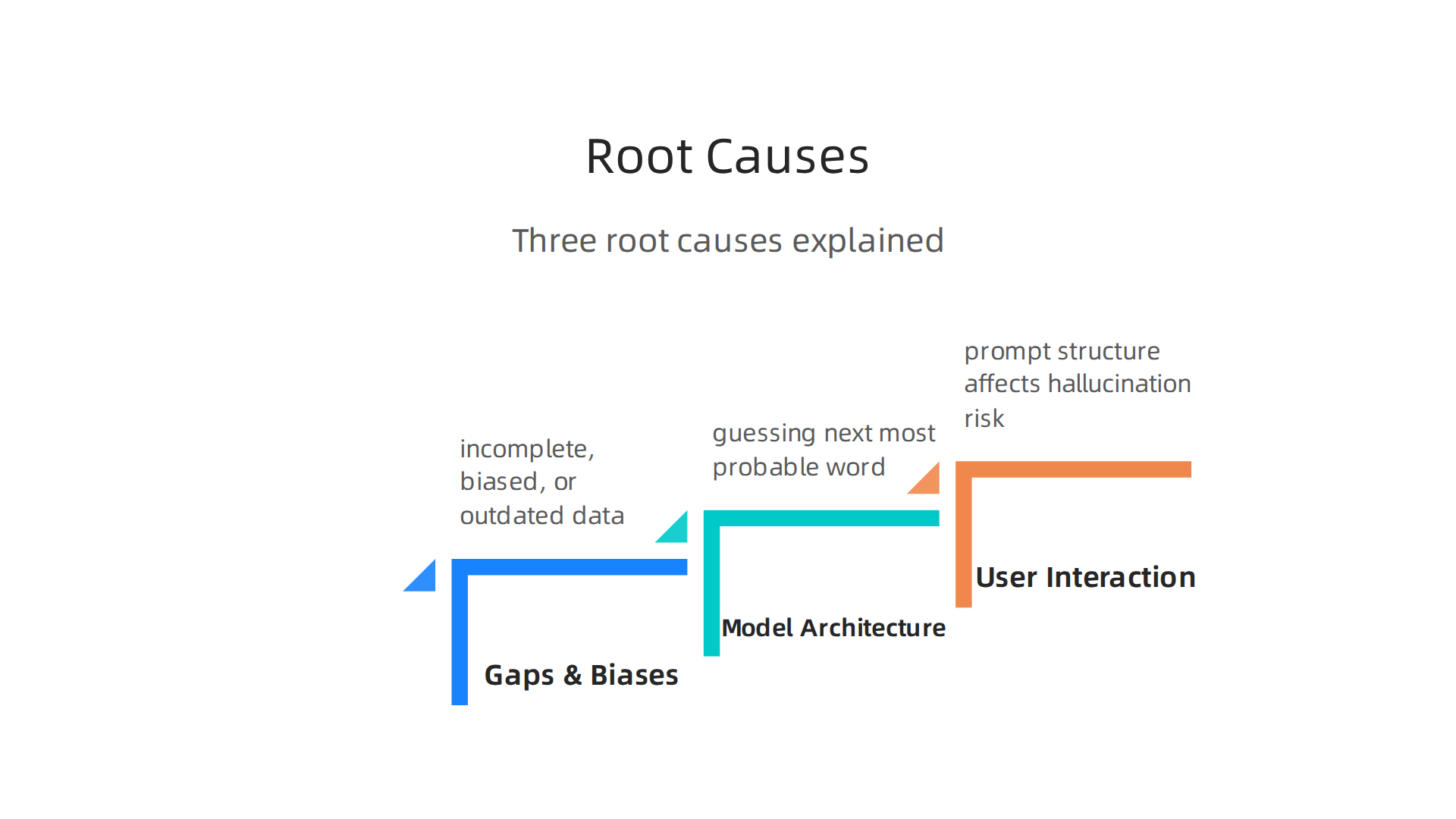
1. Gaps and Biases in Training Data
The most common cause is the data the AI learns from. If the training data is incomplete, biased, or outdated, the model will pick up wrong patterns. According to Google Cloud, flawed training data leads to inaccurate predictions and hallucinations. A Knostic analysis adds that models often rely on gaps in their training or outdated knowledge.
This is why even a well-trained ai response can invent facts. It is simply filling the holes with its best guess.
2. Model Architecture Limitations
The way AI models are built also plays a role. Large language models work by guessing the next most probable word. The IEEE Computer Society explains that hallucinations come from limits in both training data and this probabilistic design. The model does not understand truth. It understands patterns.
A discussion on the OpenAI Community forum notes that these errors are baked into how predictive language models are designed. They do not have a concept of "wrong."
3. How You Interact with the Model
The third cause is in your hands. Settings like temperature and prompt structure affect hallucination risk. High temperature makes the model more creative. That also makes it more likely to stray from facts.
Even your wording matters. A vague or complex prompt gives the model more room to guess poorly.
Understanding these causes helps you take control. The first step is learning to spot errors. Our guide on building an AI fact checker workflow shows you how to catch hallucinations before they cause harm.
Real-World Consequences: When Hallucinations Hurt
You might think an AI hallucination is just a funny mistake. But in real-world use, these errors can cause serious harm. And the damage goes far beyond a weird sentence.
In healthcare, a hallucinated diagnosis or drug interaction could lead to dangerous medical decisions. Research from the National Institutes of Health highlights that even well-trained models can produce false information in clinical settings, putting patient safety at risk.

Legal professionals face similar dangers. Lawyers have used AI tools that fabricated fake case citations. These hallucinations wasted court time and led to professional sanctions. The IEEE Computer Society notes that the probabilistic design of large language models makes them prone to inventing confident nonsense.
For businesses, brand reputation suffers fast. A single wrong fact in a marketing campaign or customer email can destroy trust. According to IBM, factors like biased training data make these errors inevitable. Customers notice. And they remember.
The financial losses stack up quickly. Fixing errors, handling complaints, and losing sales all add cost.

As Knostic explains, overconfident inferences from models spread misinformation that is expensive to correct.
These are not small problems. They affect real people and real money every day. Attackers can even weaponize these weaknesses for cyber breaches. Learn how attackers exploit AI hallucination attacks to cause security failures and what you can do about it.
Understanding the stakes is the first step to protecting your work.
Manual Methods for Detecting Hallucinations in AI Responses
You’ve seen the risks. Now you need practical ways to spot false AI responses before they cause damage. The good news is you don’t always need complex tools to catch hallucinations. Manual methods work well if you know what to look for.
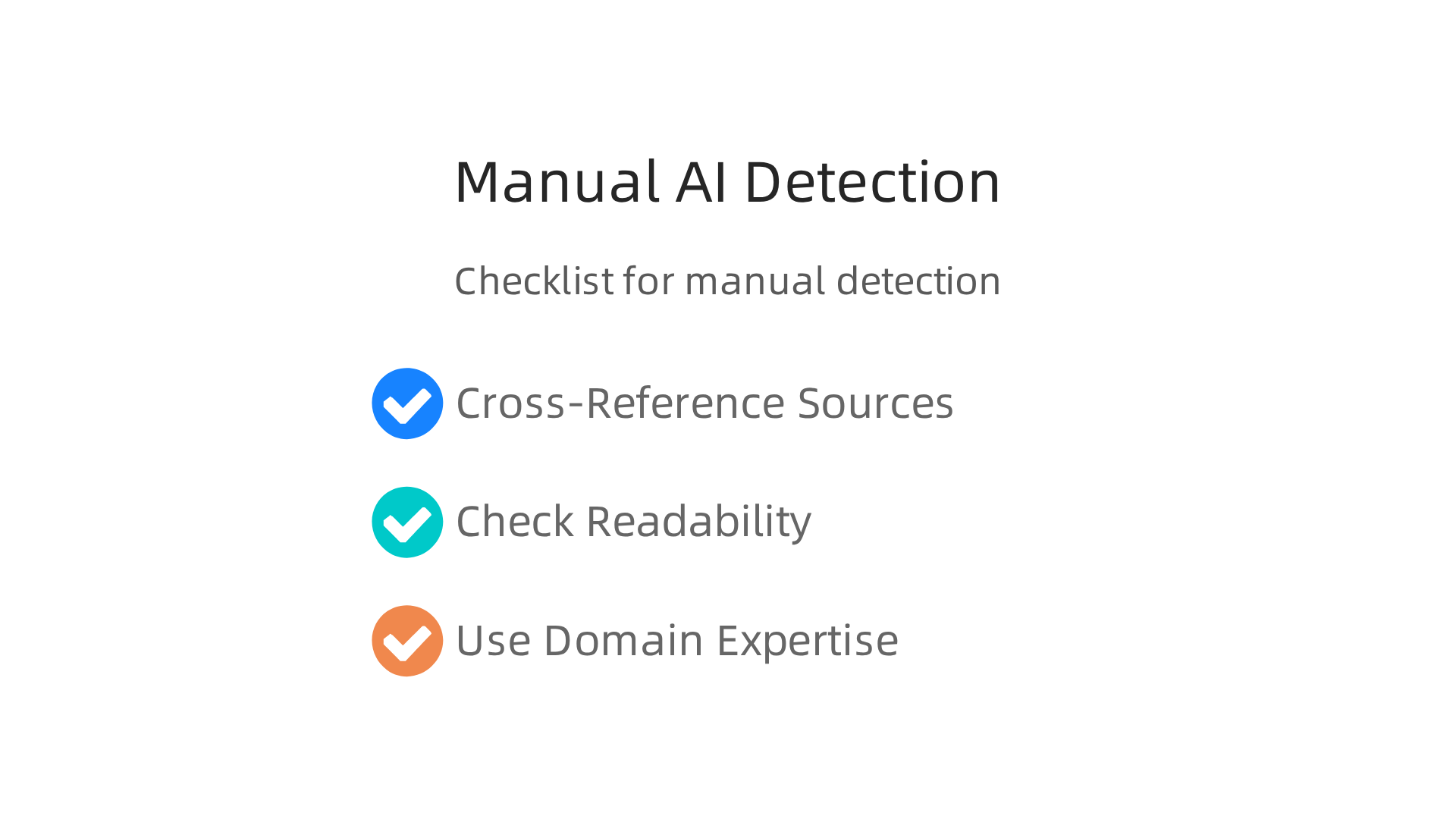
Cross-Reference with Trusted Sources
This is the gold standard for a reason. When an AI helper gives you a fact, check it against reliable sources. Rubrik explains that AI hallucinations happen when the model produces false outputs with total confidence. So never take an AI response at face value.
For example, if you ask about a specific statistic or historical event, look it up on an authoritative website. The University of Arizona LibGuides reminds us that fact-checking is always needed because AI systems regularly make things up.
Check Readability and Consistency
Many AI responses sound smooth but hide logical gaps. Read the output carefully. Does it repeat itself? Does it contradict earlier statements? Does it use overly vague language?
These readability checks catch subtle errors. AI models often produce confident nonsense that looks correct at first glance. A second read with a critical eye can reveal problems.
Use Domain Expertise
If you know the topic well, trust your gut. Subject matter experts spot hallucinations faster than anyone else. The Harvard Kennedy School Misinformation Review points out that traditional fact-checking methods work well for catching AI inaccuracies.
When a lawyer reviews a legal AI response or a doctor checks a medical one, they catch errors immediately. The Harvard review found that domain-specific fine-tuning helps reduce hallucinations, but human expertise remains essential.
Combine Manual and Automated Methods
These manual techniques work great on their own, but they get even better when you pair them with automated detection tools. For a deeper look, explore how to build an AI fact-checker workflow that catches costly hallucinations. You can also check out AI monitoring tools that catch hallucinations before they harm your business.
Start with these manual methods today. They take a little time, but they save you from expensive mistakes later.
Automated Detection Tools and Metrics
Manual checking works, but it takes time. That’s why automated tools are becoming popular in 2026. These systems scan your ai response and flag problems without you reading every word.
One common method is self-consistency checks. The AI generates the same answer multiple times. If the answers differ a lot, there’s a good chance a hallucination is hiding in there. This approach is mentioned in recent research on fact-checking frameworks that use advanced prompting strategies.
Another tool is perplexity scoring. This measures how "confused" the model is about its own output. Lower scores usually mean higher confidence in a correct answer. Higher scores can point to made-up information.
There are also public benchmarks that test how often different models hallucinate. Two big ones are HaluEval and TruthfulQA. These benchmarks help you compare an ai helper like a lucid ai or copy ai tool against others. According to ai usage statistics, these benchmarks are now standard for evaluating new models.
Finally, commercial detection APIs are emerging. These are plug-and-play services that review your ai response in real time. They use the latest detection methods to catch errors.
For a full walkthrough of how to set up these checks yourself, check out this guide on how to build an AI fact-checker workflow.
Prompt Engineering Techniques to Reduce Hallucinations
Automated tools help catch errors after they happen. But what if you could stop many hallucinations before they ever show up in an ai response? That’s where prompt engineering comes in.
The way you talk to your ai helper makes a huge difference.
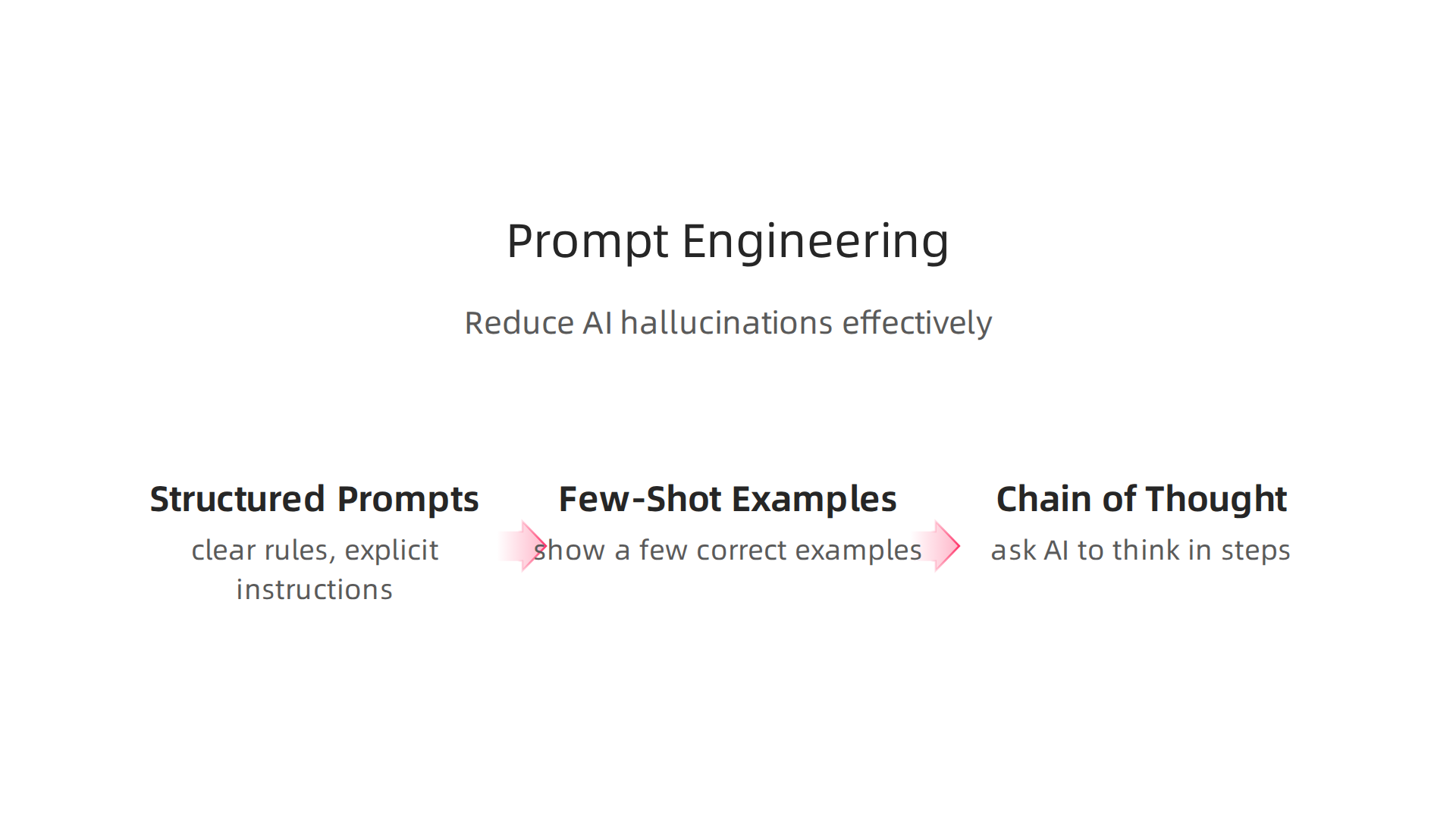
The simplest trick is to use structured prompts with explicit instructions. When you tell the model clear rules like "only use information from the provided text" or "if you don’t know, say you don’t know," it follows those directions much better. According to recent research on prompt engineering, these clear instructions significantly reduce made-up outputs. You can see this approach explained in a practical guide on how prompt engineering helps mitigate hallucinations.
Another powerful method is using few-shot examples. Instead of just describing what you want, you show the AI a couple of correct examples first. This grounds the ai response in reality. It’s like giving a student sample answers before a test. The model copies the pattern instead of guessing wildly. This technique is highlighted as one of the easiest ways to reduce hallucinations in a breakdown of three prompt engineering methods.
Chain-of-thought prompting is a third technique that works wonders. You ask the AI to think step by step before answering. Better yet, you can add a self-verification step. Tell the model to double check its own answer for facts before finishing. This extra internal review catches mistakes before they reach you.
These methods work with any AI tool, whether you are using a lucid ai system, a copy ai writer, or any other platform. According to recent ai usage statistics, teams that adopt these prompting strategies see much lower error rates in their daily work.
Want to put these techniques into action right away? You can follow a complete guide on how to build an AI fact-checker workflow that combines prompting with verification steps.
Retrieval-Augmented Generation (RAG): A Robust Antidote
Prompt engineering is like giving your ai helper good manners. It teaches the model to say "I don’t know" instead of making things up. But manners don’t fill knowledge gaps. For that, you need a reliable reference library.
That is where Retrieval Augmented Generation (RAG) comes in. RAG is a system that connects your AI to a live knowledge base. Before your ai helper generates an ai response, it searches this external database for relevant documents. This grounds the model in fact, not fiction. According to Microsoft’s guide on fighting hallucinations, combining RAG with prompt engineering is one of the top strategies for serious AI users.
RAG comes in different shapes. Simple RAG is fast. It grabs the top few documents and uses them to write an answer. This works well for internal Q&A or customer support. Advanced RAG is slower but much smarter. It might rewrite your search query, pull from multiple sources, or check its own logic before finalizing an answer. The trade off is simple: speed for simple tasks, accuracy for complex ones.
Whether you use Lucid AI, a custom Copy AI workflow, or any other platform, RAG makes your outputs safer. The best part is the citations. You see exactly where the ai response came from. You can click the source, check the facts yourself, and make confident decisions. Recent AI usage statistics show that teams using RAG spend far less time fixing errors.
Ready to put RAG to work? You can follow a step by step guide to build an AI fact checker workflow that combines retrieval, verification, and human review.

Fine-Tuning and Model Selection for Higher Reliability
RAG gives your ai helper a reference library, but the quality of the base model still matters a lot. Even with perfect documents, a weak model can mangle the facts. That is where fine-tuning and careful model selection come into play.
Fine-tuning takes a general AI and trains it on your own verified data. It embeds that knowledge directly into the model’s weights. This means the ai response will stick to what it learned. According to GDIT, fine-tuning on domain-specific data can greatly reduce hallucinations. But there is a limit. As Cension AI explains, fine-tuning only helps for the content the model saw during training. It does not help with new topics. So fine-tuning works best for narrow, well-defined tasks like internal Q&A or legal document review.
Model selection is just as critical. Not all AI models are equally reliable. You should check benchmarks that measure factual consistency before you pick one. Some platforms, like Lucid AI, build accuracy into their models from the start. And according to recent AI usage statistics, teams that choose carefully tuned models spend far less time fixing bad outputs.
Newer safety techniques like constitutional AI and reinforcement learning from human feedback (RLHF) make models even safer. These methods train the AI to avoid harmful or false responses. Together, fine-tuning, smart model choice, and advanced training create a solid defense against hallucinations.
If you want to see which platforms perform best, check out this AI tools comparison that reveals which platforms hallucinate least. It can guide your model selection. And for a deeper look at how engineers build trustworthy systems, read how AI engineers prevent hallucinations and build trustworthy systems.
Building Organizational Trust: Governance and Workflows for Reliable AI
Fine-tuning and model selection are only part of the solution. Without good human processes, even the best model can still produce bad outputs. That is where organizational trust comes in. You need clear rules, trained people, and constant checks to make sure every ai response stays accurate.
Start by setting up an AI oversight committee. This group should include people from different teams like IT, legal, and content. Their job is to create validation pipelines that check outputs before they reach customers. According to a study by GDIT, domain-specific models trained with governance reduce hallucinations significantly. A formal review process catches mistakes early and lowers risk.
Next, train your whole team to spot hallucinations. Not just engineers. Your ai helper users, writers, and managers all need to know what fake facts look like. The Prompt Hub recommends teaching simple detection techniques like verifying source material. This builds a culture where everyone feels responsible for accuracy. And when everyone watches for errors, you catch more of them.
Finally, set up continuous monitoring and feedback loops. No AI system is perfect forever. You need tools that track your ai response quality over time. A report from the NIH showed that using RAG to feed accurate medical info to AI chatbots greatly reduced hallucinations. That kind of system works best when you monitor results and adjust prompts or data regularly. The arXiv research on mitigation strategies also confirms that ongoing validation beats set-and-forget approaches.
Putting these safeguards in place means your organization can trust AI without constant fear. For a deeper look at building a real-world fact-checking workflow, check out how to build an AI fact-checker workflow to catch costly hallucinations.
Summary
This article explains what AI hallucinations are, why they happen, and how to prevent them so you can trust generative AI for real work. It covers the three main hallucination types—factual, fluency, and logical—and shows root causes such as biased training data, model limits, and poor prompting. You’ll read about real-world risks in healthcare, law, and business, and learn practical manual checks like cross-referencing, readability reviews, and using domain experts. The guide also outlines automated defenses: self-consistency checks, perplexity scoring, detection APIs, and retrieval-augmented generation (RAG) to ground answers in sources. Finally, it walks through prompt-engineering techniques, fine-tuning, model selection, and organizational governance to build trustworthy workflows that reduce costly mistakes.