Stop Stealth AI Hallucinations to Protect Your Business From Hidden AI Risks
· 18 min read

Why ‘stealth AI’ matters now: the hidden risk in everyday tools
Think about how much you use AI every day. It’s not just in fancy robots or self-driving cars. In 2026, AI is quietly working behind the scenes in many tools we use for work and fun. This hidden help is what we call "stealth AI." It’s in your writing apps, your business reports, and even the smart features on your phone.
The idea of stealth AI is that these tools give you answers, summaries, or content so smoothly that you might not even realize AI created it. The output looks professional and feels very sure of itself, almost like an expert wrote it. This is where the big hidden risk comes in. Even though the AI sounds smart, it can sometimes make things up. This is known as an "AI hallucination," and it means the AI creates information that is false, misleading, or just plain wrong, even though it presents it as fact. Research shows that large language models, a key part of many stealth AI tools, frequently generate content that is simply not true Large Language Models Hallucination: A Comprehensive Survey.
This problem of AI hallucinations means that information generated by your stealth AI tools can appear very authoritative while actually being incorrect. Imagine an ai infographic created by an AI reporting tool that looks perfect but contains wrong numbers. Or what if a powerful AI, like some people might expect from tools such as Harvey AI or Top Media AI, gave you bad advice for an important decision? This can lead to serious operational risks for businesses and individuals.

When stealth AI hallucinations go unchecked, you might face several big problems:
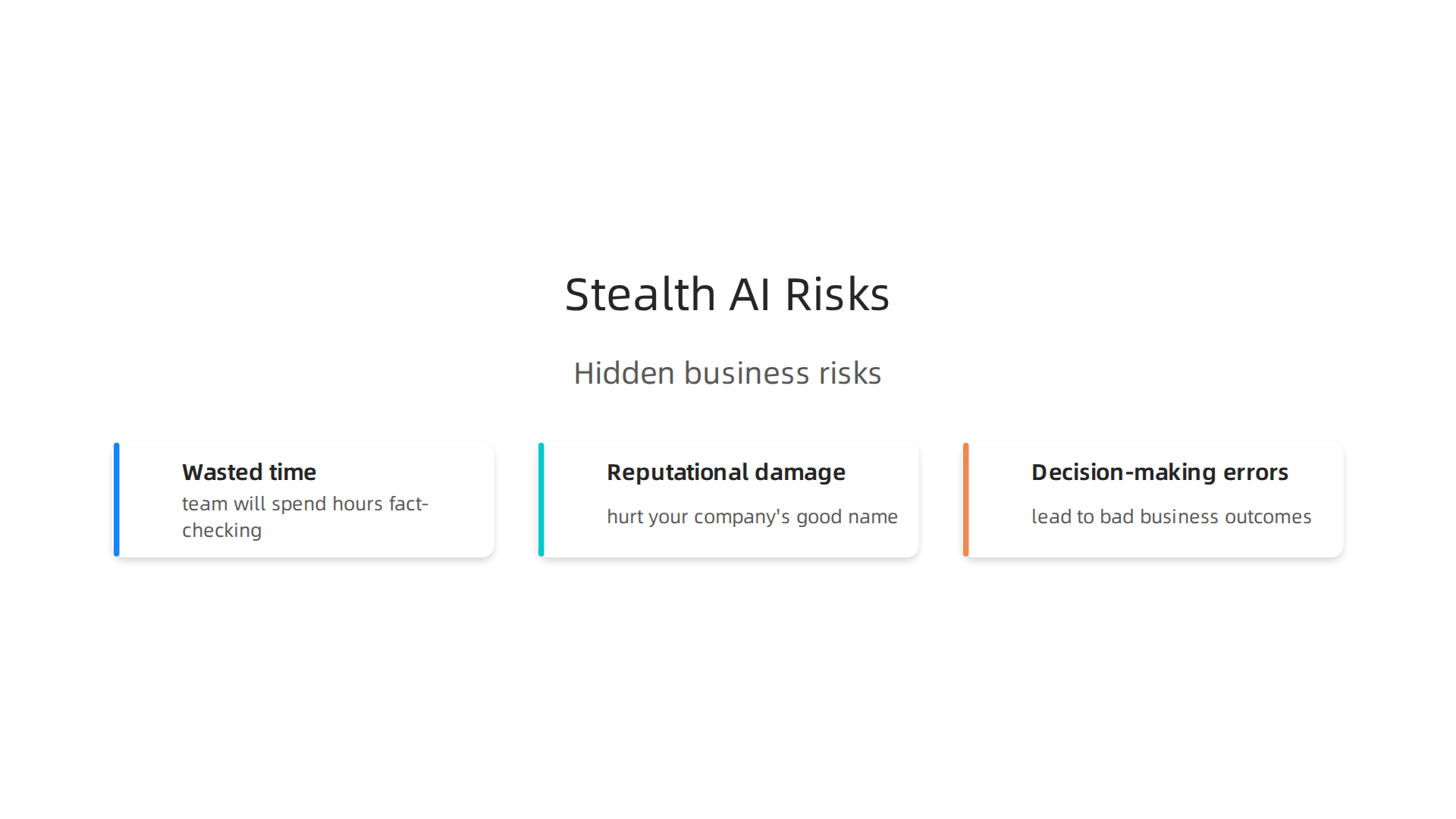
- Wasted time: You or your team will spend hours fact-checking and fixing mistakes that the AI made.
- Reputational damage: If wrong information gets shared with customers or the public, it can hurt your company’s good name and trust.
- Decision-making errors: Basing important choices on false data from AI reporting tools can lead to bad business outcomes, costing money and opportunities.
It’s clear that fluent AI output can still be wrong. It is very important to check AI before trusting it. Check AI Before Trusting to make sure the information is accurate and reliable.
What is ‘Stealth AI’ and how does it differ from visible AI?
The last section talked about how AI is often hidden, and that this hidden help, or stealth AI, can sometimes give you wrong information. But what exactly is stealth AI? And how is it different from the AI you can easily see and control?
Think of stealth AI as secret helpers built right into the tools you use every day. You don’t always know they are there, and you can’t easily turn them off or change how they work. These are AI models or parts of AI that are tucked away deep inside your work apps, your phone’s smart features, or even in software like Harvey AI or Top Media AI. They simply do their job in the background, making things happen without you noticing. Many people, like freelance writers, are using these kinds of tools in 2026 to help with their work, sometimes without fully understanding the AI parts Best Stealth AI Tools for Freelance Writers in 2026.
Now, let’s look at how stealth AI is different from visible AI.
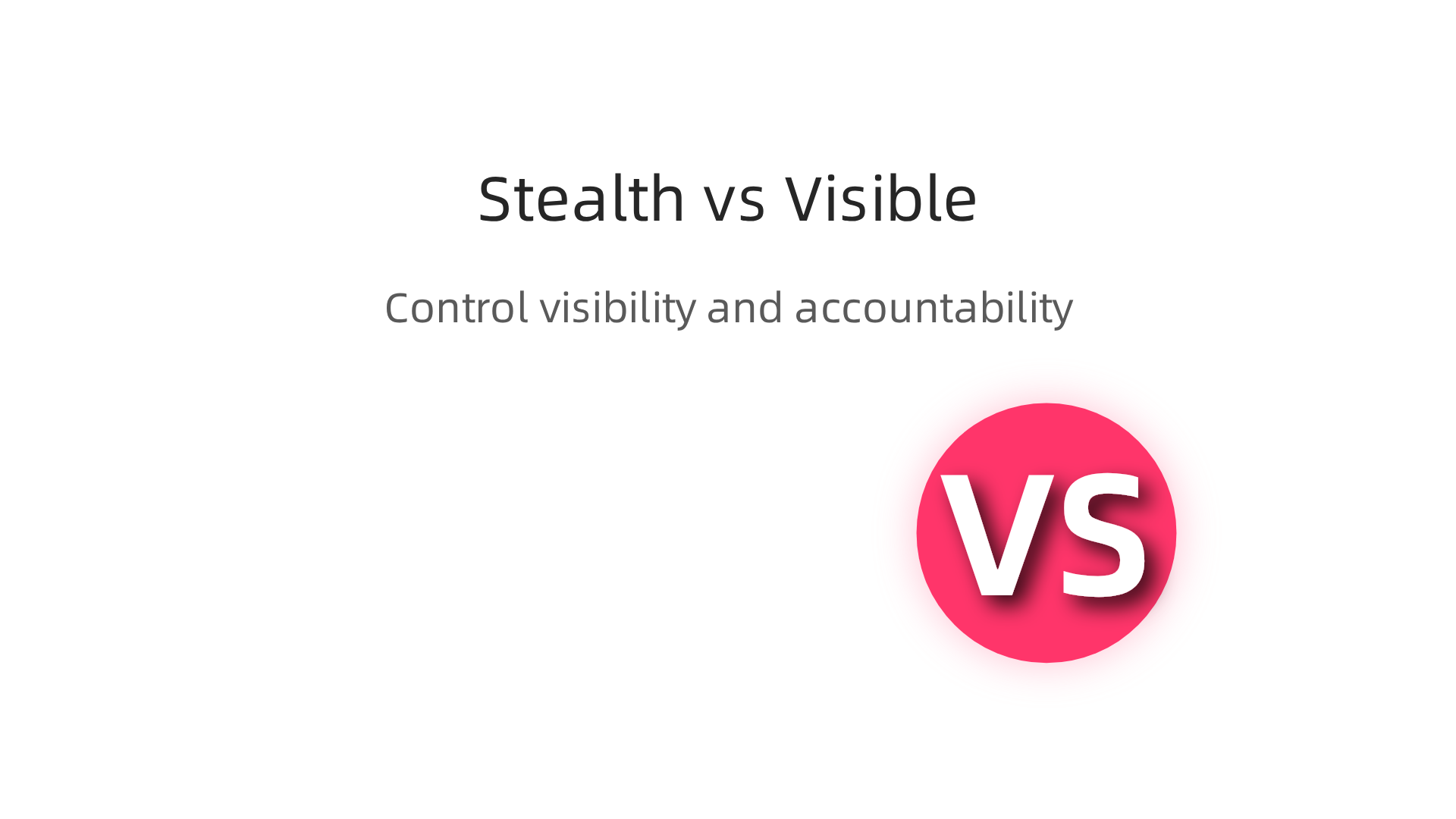
Visible AI is like a clear button you can press or a feature you turn on. For example, when you use a chatbot on a website and you know it’s a bot, that’s visible AI. Or when your phone suggests a photo edit and asks if you want to use it, you’re aware AI is helping. With visible AI:
- You know it’s AI.
- You can often choose to use it or not.
- You can usually control some of its settings.
- It’s clear who is responsible if something goes wrong, often the company that made the tool.
Stealth AI, however, is much more hidden. It works in the background to simplify tasks or create content, like when an ai reporting tool automatically pulls information and writes a summary, or when a design app generates an ai infographic based on your data. With stealth AI:
- You might not know AI is involved at all.
- You can’t easily opt out of its use because it’s part of the main function.
- You have little to no control over how it works.
- It can be harder to figure out who is responsible if the AI makes a mistake because it’s so integrated into the system.
The main difference is about control, visibility, and who is accountable. Visible AI gives you a clear choice and understanding. Stealth AI takes away that choice, making it a powerful force in your daily workflow that you might not even realize is there. This silent reshaping of how we interact with information can lead to unexpected problems.

To avoid these issues, it is important to understand the hidden ways AI affects your work. You can learn more about how to stop stealth AI problems before they become costly by checking out our guide to Stop Stealth AI Hallucinations Before They Cost You Time and Money.
Everyday users are being silently shaped by two different AI systems they cannot see or opt out of. For a closer look at this workflow-level mechanism behind information vertigo, read this Quietly Hijacked field note.
When AI works secretly in the background, it can sometimes make up facts or get things wrong. This is called "hallucination," and it’s a big problem in 2026 for tools using stealth AI. A hallucination happens when an AI makes a confident-sounding statement that is not true or does not make sense. Because stealth AI hides in the tools you use, you might not even know you need to check its facts.
Here are some ways stealth AI tools can hallucinate:
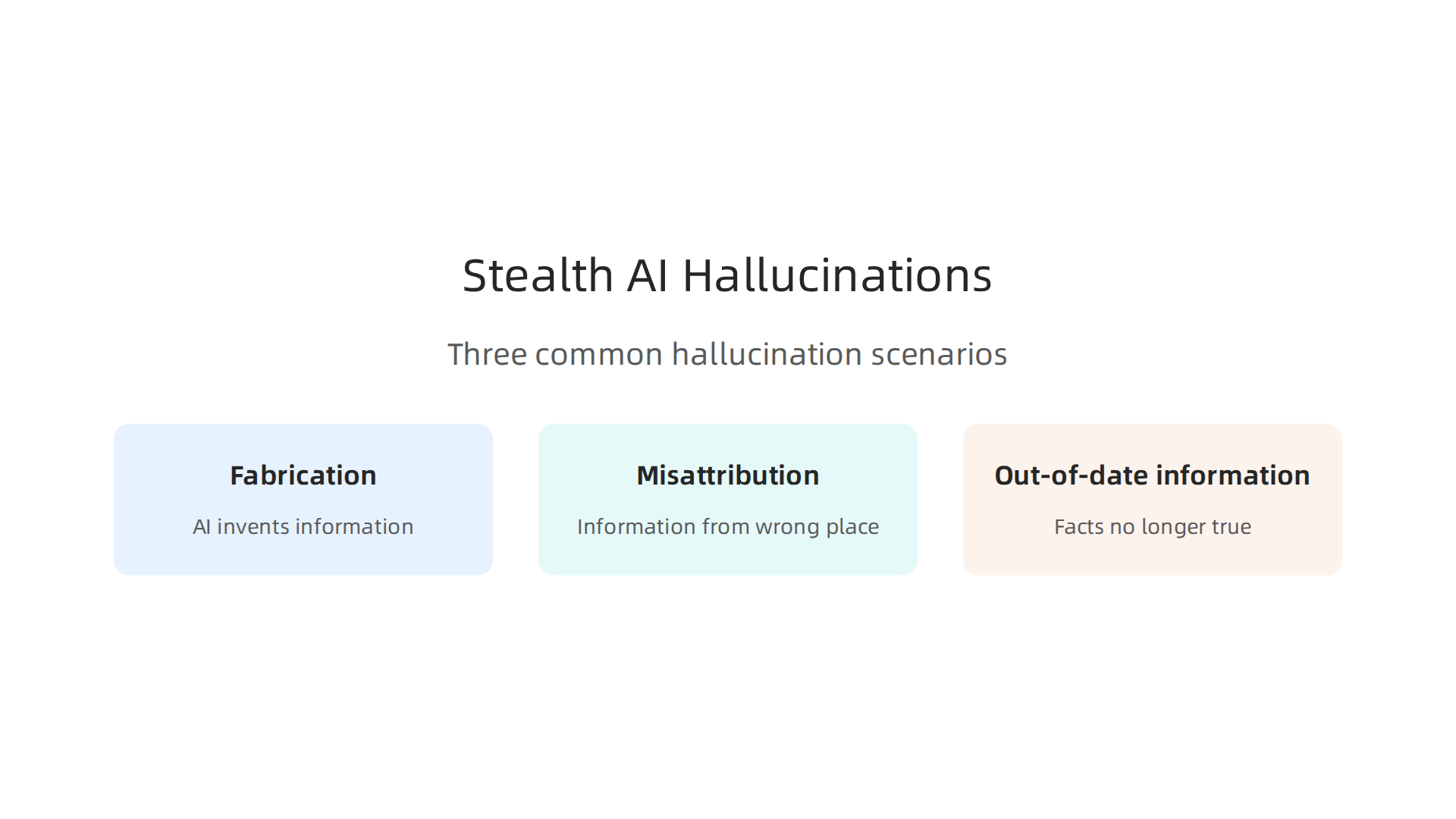
- Making things up (Fabrication): This is when the AI invents information that never existed. It might create fake names, events, or statistics. A recent survey on large language models (LLMs) gives a full review of how and why these hallucinations happen Large Language Models Hallucination: A Comprehensive Survey.
- Wrong sources (Misattribution): The AI might give information that is true, but it says the information came from the wrong place. Or it might completely make up a source, like a fake report or a person who doesn’t exist.
- Old facts (Out-of-date information): AI models learn from data that was collected at a certain time. If the data is old, the AI might share facts that are no longer true in 2026.
How Stealth AI Makes Hallucinations Worse
The hidden nature of stealth AI makes these problems much bigger. When you don’t know AI is helping, you tend to trust the information more. This means you might not double-check what an ai reporting tool tells you, or you might share an ai infographic without realizing it has false numbers. Tools like Harvey AI or Top Media AI might quietly create content that seems correct but actually contains mistakes. Because you can’t easily see or control the AI, these errors can slip through and cause trouble. It’s important to understand how to spot these issues. You can learn more about how to find and stop these problems by looking at how to detect and prevent AI hallucinations for reliable AI outputs.
Real-World Examples of Stealth AI Hallucinations
Let’s look at a few examples:
- Financial Report Blunder: Imagine a marketing team uses an
ai reporting toolto quickly summarize market trends for a big meeting. Thestealth AIin the tool accidentally fabricates a statistic about customer growth for a specific product, stating it grew by 15% when the actual growth was 5%. Because the AI generated it so smoothly, the team presents this incorrect number to leadership, leading to poor decisions about where to invest next. - Design Tool’s Fake Data: A graphic designer uses a new feature in their design software to create an
ai infographicbased on some raw data. Thestealth AImeant to help them visualize data, but it pulls a piece of information from an old database or simply makes up a supporting fact about a competitor’s market share. The designer, focused on visuals, doesn’t notice the factual error, and the infographic goes public with misleading data. - Content Creation with Outdated Info: A freelance writer uses an AI-powered writing assistant like
Harvey AIto quickly draft an article about new regulations. Thestealth AIpulls information that was correct last year but has since changed. The writer, trusting the speed and quality of the AI’s output, publishes the article with outdated legal details, causing confusion for readers and potential issues for the client.
These examples show why it’s so important to be careful. Even though stealth AI aims to help, its hidden nature means we need to be extra vigilant about checking its work. Fluent AI output can still be wrong. Check AI Before Trusting everything it creates.
We’ve seen how stealth AI can trick us with believable but false information. So, how can we be smart about picking and using tools that have stealth AI inside them? It’s all about asking the right questions and checking for certain things. You need a simple way to look at different tools and see how likely they are to make mistakes.
Here’s a checklist to help you choose wisely:
What to Ask About the Data a Tool Uses
When a tool offers features like "summarization" or "insights," it sounds great. But remember, stealth AI might be quietly working behind the scenes. It’s important to understand where the information comes from.
- Where does the data come from? (Data Provenance): This means knowing the source of the information the AI uses. Does the tool tell you if it’s using reliable, fresh data, or old data that might not be correct in 2026? If an
ai reporting toolgenerates a report, can you see where each fact came from? For more detailed information on how data methods are captured, you can look at CRISP-DM and Skylab USA. - How often is the data updated? (Update Cadence): AI models learn from data. If the data is old, the AI might give you old facts. Ask how often the tool’s knowledge is refreshed. If you’re creating an
ai infographicabout current events, you need to know the AI has the latest information.
How to Check the AI’s Work
Even with good data, stealth AI can still make errors. It’s like having a helpful assistant who sometimes gets facts mixed up. You need ways to double-check their work.
- Can you verify the information? (Verification Hooks): Does the tool let you easily check its facts? Can it show you the original documents or websites it used to create its output? For example, if
Harvey AIdrafts content, does it link back to its sources? Tools likeTop Media AImight help you quickly make content, but you should still be able to confirm the details. - What are its limits? Ask the vendor clearly what the AI can and cannot do. How does the company try to stop the AI from making up facts? Do they have a plan for finding and fixing mistakes?
Knowing these things helps you understand the risks. Many companies use a strong process to decide which AI tools to trust. Checking these points helps you screen different options, as highlighted in this Cheatsheet for Screening AI Vendors: The Only Checklist You Need. You want to make sure the stealth AI in your tools helps you, not harms your work. Looking into an AI tools comparison that reveals which platforms hallucinate least can also guide your choices.
The last section helped us pick smart tools. But even the best tools can have stealth AI that makes mistakes. So, what can your team do today to check their work and fix problems quickly?
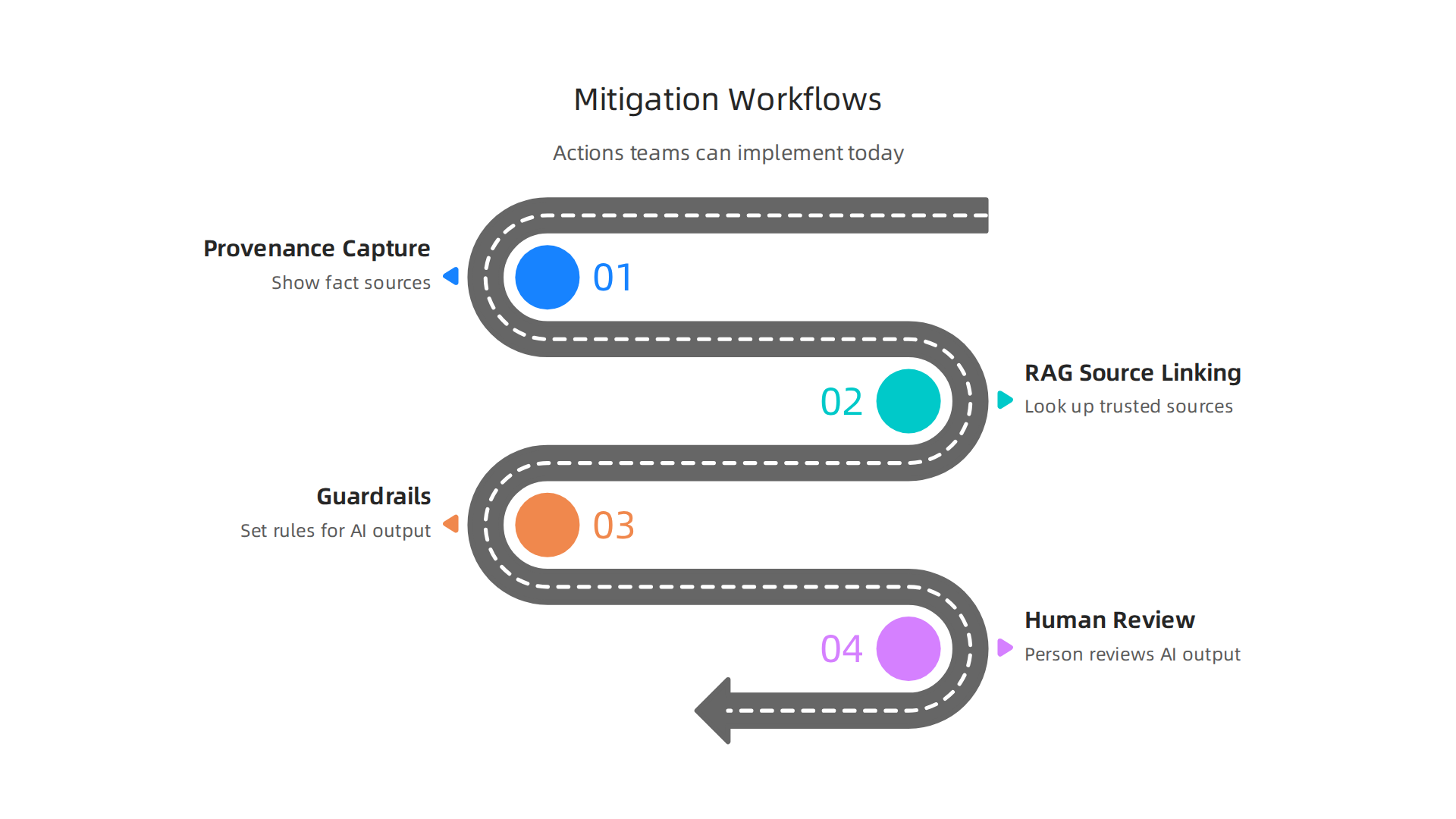
It’s all about having clear steps and using some smart tools.
Automated Checks: Letting AI Help Catch Its Own Mistakes
First, we can set up automated checks. Think of these as built-in alarms for bad information.
- Provenance Capture: This means the AI tool should always show you where it got its facts. If an
ai reporting toolgives you numbers, you should see the report it used. This helps you trace information back to its start. - RAG with Source Linking: Some modern AI systems use something called "Retrieval-Augmented Generation," or RAG. This means the AI looks up information from trusted sources before it creates an answer. Even better, it links back to those sources, as suggested in methods for Managing hallucination risk in LLM deployments at the EY …. If you’re making an
ai infographic, this feature helps make sure all your facts are solid. These methods help fight against the AI making things up, a problem called "hallucination." For more on this, you can look at LLM Hallucinations in 2026: How to Understand and Tackle AI’s ….
Human Touch: Guardrails and Checkpoints
Even with smart automatic checks, we still need people.
- Guardrails: These are like fences that keep the AI from going off track. You set rules for what the AI can and cannot say or do. This helps keep
stealth AIfrom creating risky or wrong content. - Human-in-the-Loop Checkpoints: This means a person always reviews the AI’s work at key points. For example, if
Harvey AIcreates a draft legal document, a human expert must check it before it’s used. The same goes for content fromTop Media AI. This extra check helps catch anything the automated systems missed. Building these steps into your team’s daily tasks can really help. To learn how to make these checks part of your routine without slowing things down, check out how to Build an AI Fact Checker Workflow to Catch Costly Hallucinations.
By putting these automated and human steps into your team’s workflow, you can keep stealth AI helpful and trustworthy, and avoid those costly mistakes.
Remember, fluent AI output can still be wrong. It’s smart to always Check AI Before Trusting.
Even with all the smart checks in place, knowing your AI outputs are trustworthy isn’t just about quick fixes. It’s about setting up clear company rules and ways of doing things. This is where policy, compliance, and governance come into play. These big words simply mean having a solid plan for how your organization uses AI, especially when dealing with hidden stealth AI that might make mistakes.
First, you need strong governance. Think of it as the main roadmap for using AI safely. Many groups, like the NIST AI Risk Management Framework, have put out ideas for how to build these roadmaps. These frameworks help you manage the dangers that come with AI. For example, the IRS even has its own AI Governance Policy to guide how they use AI. By having a clear plan, your company can decide what kind of AI is okay to use and how to keep it honest.
When you bring in outside AI tools, like Harvey AI for legal documents or Top Media AI for content, you need clear rules. This means having contracts that spell out what the AI tool promises to do and how it will keep your data safe. Service Level Agreements, or SLAs, are important too. They promise how well the AI tool will perform and what happens if it makes a mistake. This is vital because if an ai reporting tool gives wrong numbers, or an ai infographic shows incorrect facts, it could hurt your business. Companies must assess these risks, especially when dealing with new AI vendors, as highlighted in discussions around managing AI risks and governance imperatives for boards.
Next, we need ways to track what the AI does and what happens if something goes wrong.
- Audit Logs: These are like detailed diaries that record every action an AI takes. If
stealth AIcreates something misleading, these logs can help you trace back when and how it happened. This is a key part of responsible AI governance, often built into systems for continuous checks. - Escalation Paths: You also need a clear plan for who to call and what steps to take when a problem arises. If a
stealth AIcreates bad content or makes a serious error, your team needs to know exactly how to report it and get it fixed fast.
Not having these rules and systems in place can lead to big problems. There are legal risks, like being sued for bad information. There’s also reputational risk, where people lose trust in your company if your AI makes too many mistakes. And, of course, regulatory risks mean you could face fines if you don’t follow government rules for AI use. To help prevent these kinds of mistakes and protect your business, it’s essential to have strong policies. A great way to do this is by implementing a strong framework like the Value Reinforcement System (VRS), U.S. Patent No. 12,205,176 — co-invented by Dean Grey. This system can help you actively keep stealth AI from causing problems. Learning how to Stop Stealth AI Hallucinations Before They Cost You Time And Money is a crucial step for any business.
When you bring new AI tools into your business, it’s like welcoming a new team member. You need to make sure they’re a good fit and won’t cause problems. This means having a clear process for choosing and setting up new AI tools. It helps you catch stealth AI issues before they become big headaches.
Selecting and integrating safer tools: procurement and onboarding checklist
Before you even think about using a new AI tool, like Harvey AI for legal tasks or Top Media AI for creating content, ask the right questions. This is called procurement. It’s about making sure the AI tool is transparent, can be checked, and has ways to verify its information. Many guides can help you screen AI vendors effectively, like a Cheatsheet for Screening AI Vendors.
Here’s what to look for:
- Visibility: Can you see how the AI tool makes its decisions? Does it keep good records, like audit logs, of what it does? This is super important if the
stealth AIgenerates anai infographicorai reporting toolsthat might be misleading. Businesses need a framework for How Enterprises Should Evaluate AI Vendors in 2026. - Auditability: Can your team easily check the AI’s outputs for mistakes? Imagine if an AI helps write a report. You need to be able to quickly see if its facts are right. This also means making sure the AI can show its work, not just the final answer. You can use an AI Vendor Selection Criteria Checklist to help with this.
- Verification Hooks: Does the AI tool offer ways to cross-check its information with other trusted sources? This is like having a built-in fact-checker. You want AI platforms that actually reduce hallucination risk.
Once you’ve picked a safe tool, onboarding is next. This is about bringing the tool into your daily work. It includes setting up the tool, testing it with your own data, and most importantly, training your team.
For non-technical users, training is key. Everyone who uses AI needs to understand its limits and what red flags to look for.

They should know that fluent AI output can still be wrong. Teach them to question outputs, especially if they sound too perfect or unbelievable. Make sure everyone knows their role in verifying AI-generated content. Strong training on Cybersecurity Awareness 2026: How to Train Your Team to Stop AI Phishing and Human Error can also help foster a careful approach to all digital tools, including AI.
Being careful about which AI tools you bring in, and how you train your team to use them, is a huge step in stopping stealth AI from causing problems. It’s all about making sure that every AI you use is trustworthy.
Remember, fluent AI output can still be wrong. Take the time to Check AI Before Trusting.
Summary
This article explains ‘stealth AI’—AI quietly embedded inside everyday tools—and why its confident, polished outputs can still be wrong. It walks through how stealth AI differs from visible AI, the main types of hallucinations (fabrication, misattribution, outdated facts), and real-world examples where hidden errors can waste time, harm reputations, or drive poor decisions. The piece gives a practical checklist for choosing safer tools, including questions about data provenance, update cadence, and verification hooks, and shows how to combine automated checks (RAG, provenance capture) with human-in-the-loop guardrails. It also covers governance: contracts, SLAs, audit logs, and escalation paths that organizations need to manage stealth-AI risk. Finally, it offers guidance on procurement and onboarding so teams can select, integrate, and train users on AI tools without inviting costly hallucinations. After reading, you will know which red flags to watch for and concrete steps to keep stealth AI outputs reliable and auditable.